
The library and the reader
A library you can study from, and not only a shelf you can look at.
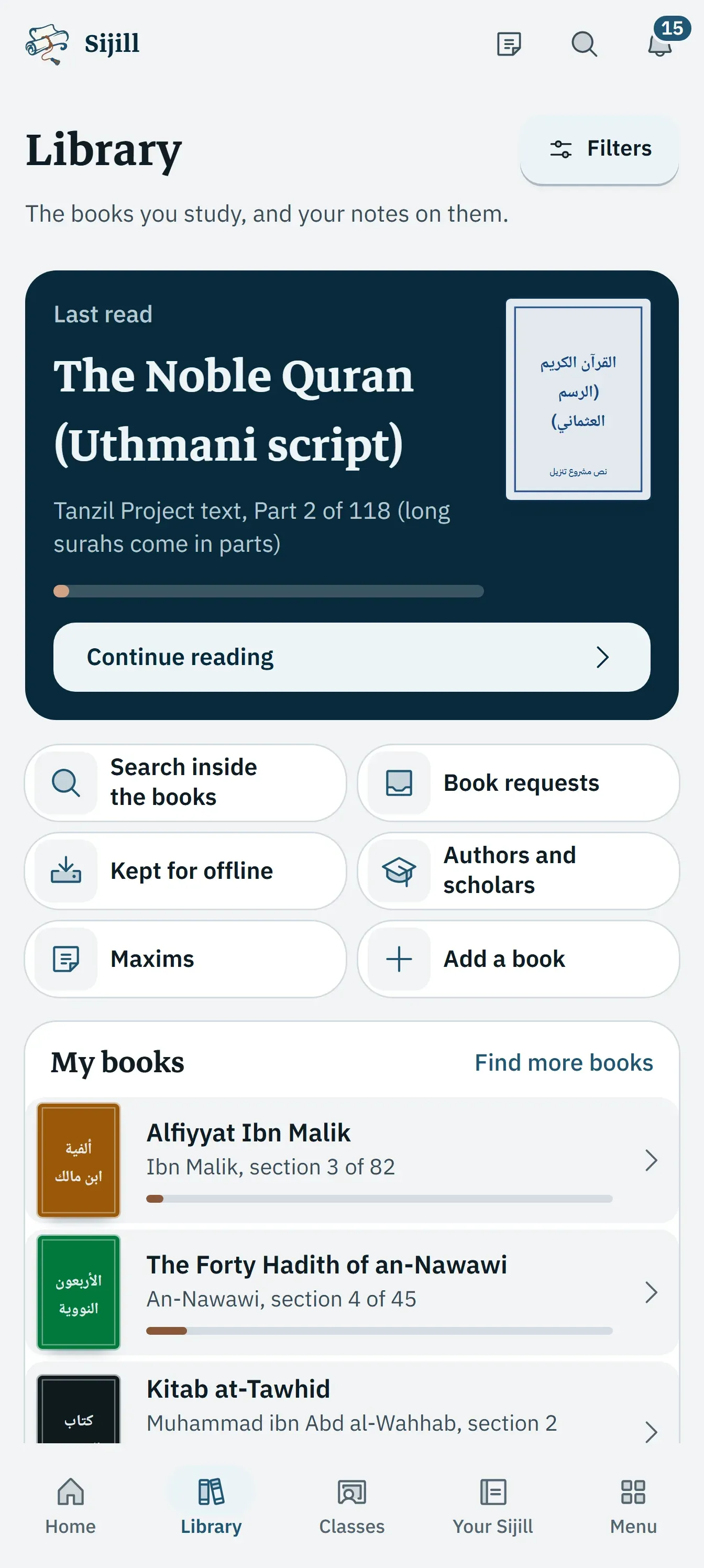
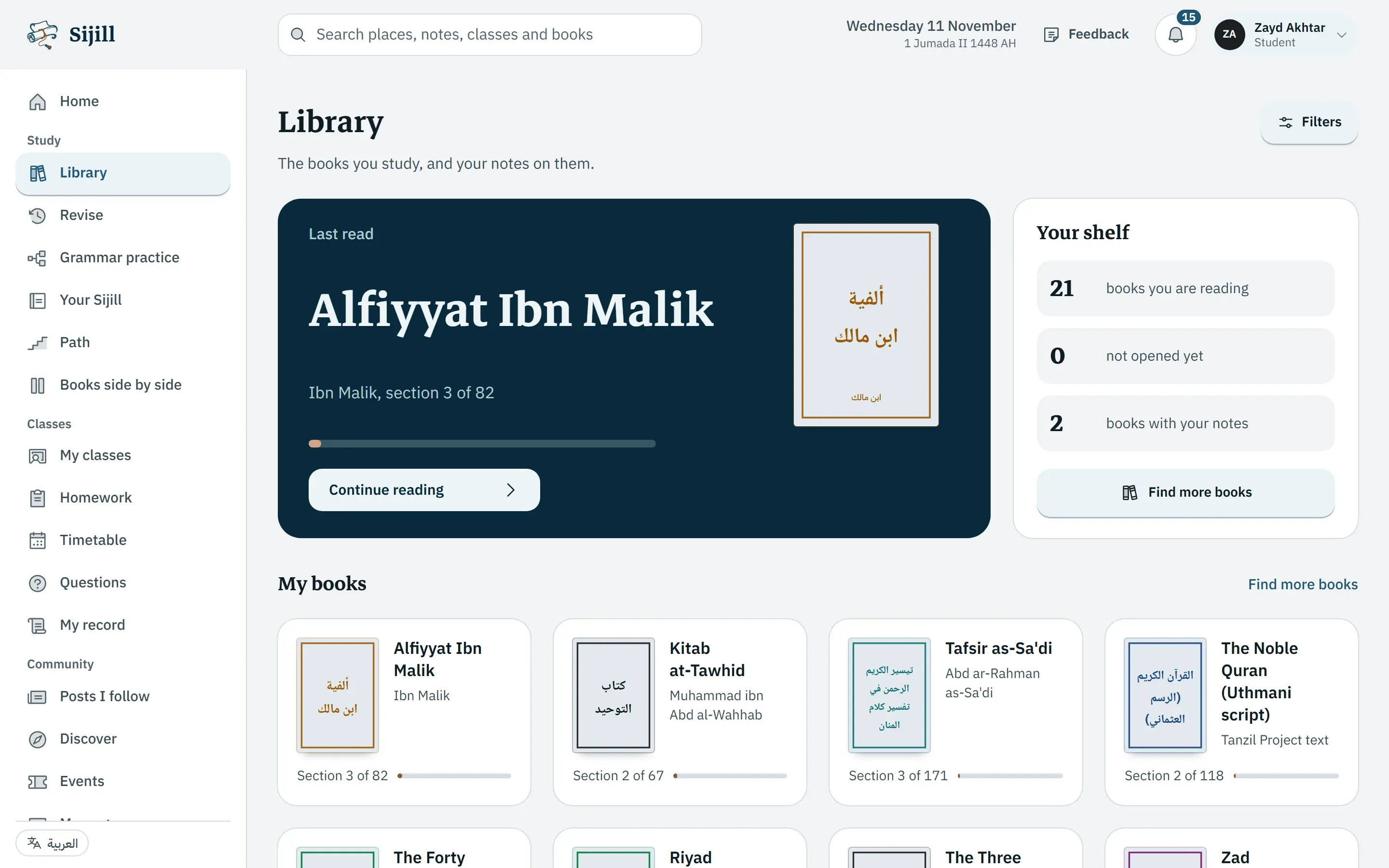
More than a hundred books to study from, read one section at a time, with your place kept and your own notes beside the text.
What it does
The library holds more than a hundred books across hadith, the Quran and its tafsir, creed, fiqh, usul, Arabic grammar and the life of the Prophet, peace be upon him, written by over fifty authors. Each book opens in a reader that shows one section at a time, gives the printed page numbers so that you can follow along with your teacher’s copy, remembers where you stopped, and lets you highlight, bookmark and write a note against any line.
Search works whether or not you type the vowel marks, and it finds words by their beginning. You can set the size of the text, and a book can be downloaded to read without a connection. Those downloads are removed when you sign out, so a shared phone keeps nothing behind.
How we did it
Nothing in the library was typed by hand. The text of the Quran comes from Tanzil, and most of the other books come from the OpenITI project, whose texts are shared under an open licence that asks for credit and does not allow commercial use. Two works of Sheikh Ibn Baz come from his own website. Every book shows where it came from and under what licence.
Nine books have a real cover, shown with its credit. Every other book has a cover drawn in the app’s own style, so that no one mistakes it for the printed book. Because most of the texts may not be used commercially, the library is free to read, and it will stay free.
Built today / Coming, not live yet
Built today
- The reader with printed page numbers, highlights, bookmarks, notes, text size and a remembered place.
- Search with or without vowel marks.
- Books for reading offline, cleared when you sign out.
- The source and licence shown on every book.
Coming, not live yet
- Turning the vowel marks on and off in the reader: it is being built on a side branch and is not live.
- Commentaries on the hadith books (the sharh books) are not in the library yet.
Inside the app
A short drawing of how this part works, one step at a time. The screens come after it.
Pick a book
More than a hundred books sit on the shelf, and each one shows where its text and its licence come from.
Read it a section at a time
The reader keeps your place, shows the printed page numbers, and lets you highlight and bookmark.
Write beside the text
A note stays tied to the passage you highlighted, and it is yours alone.
Screens
Scroll sideways to see every screen.
The library. The book you were reading is at the top, with the books you study and how far you have got in each. 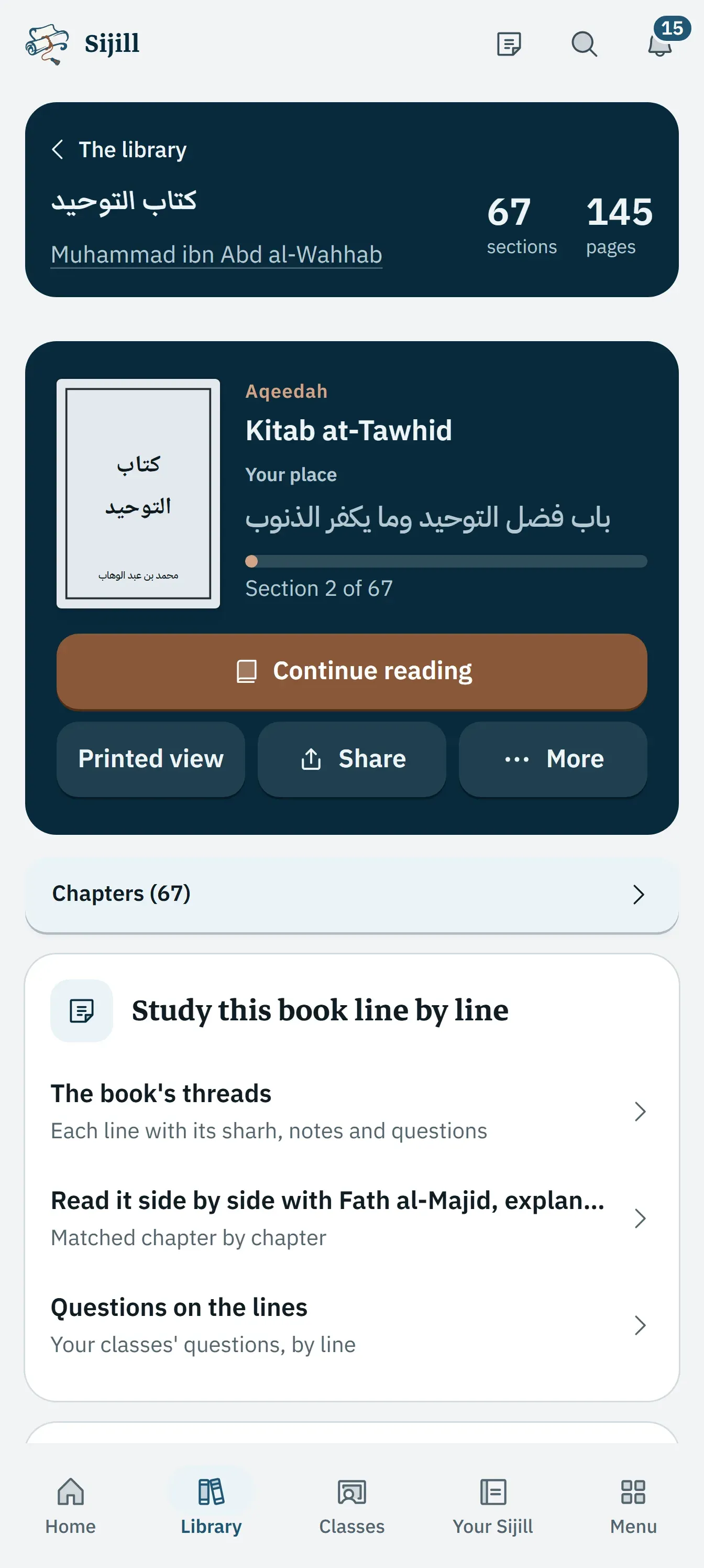
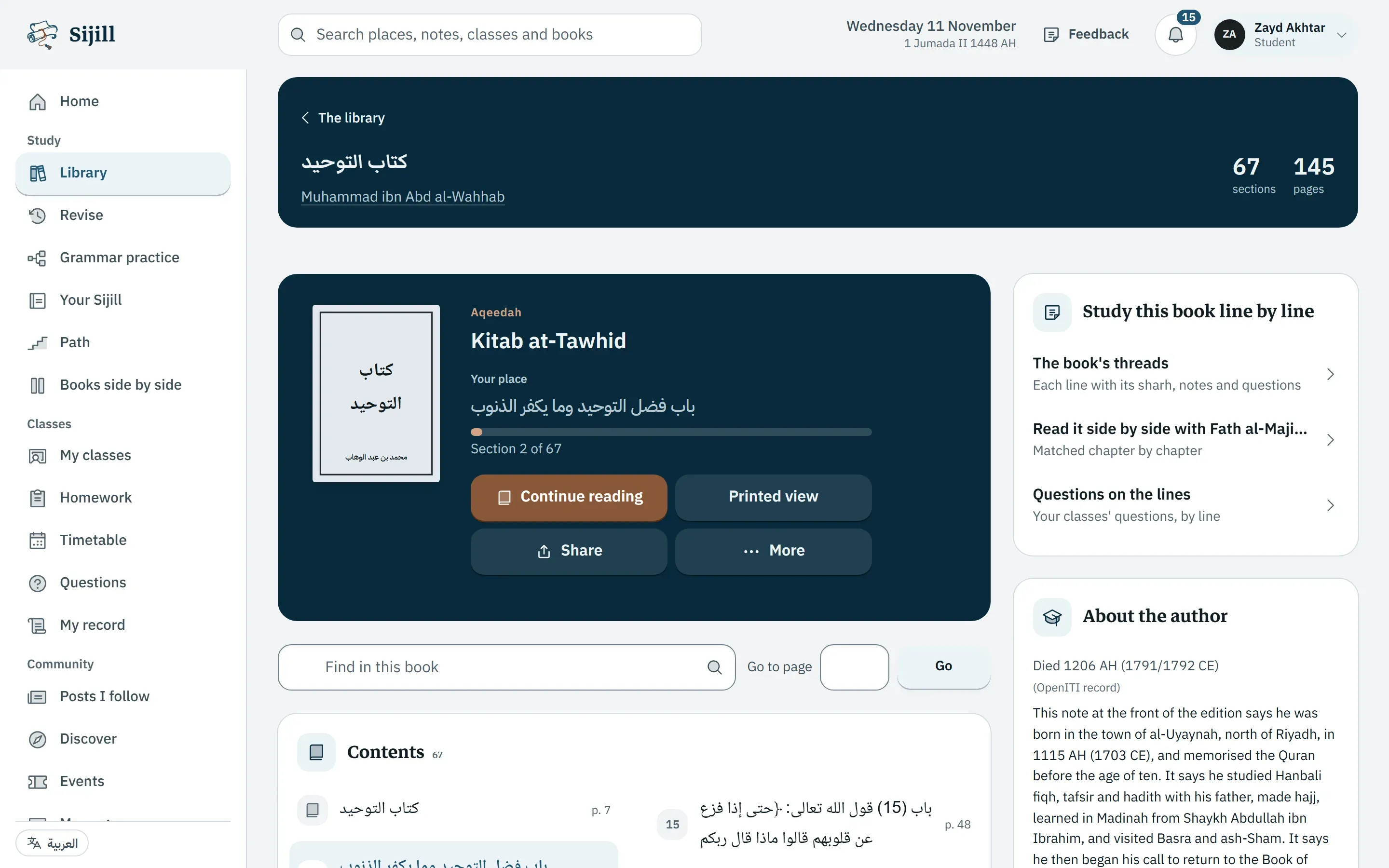
A book in the library, with its author, its sections and the way in to start reading.
The pictures on these pages come from developer copies of the app with stand-in people and sample notes. They are not a real student’s account.
The other subjects
Hadith and narrators
The six books, the Muwatta and the Adab al-Mufrad, with a card for every narrator that carries the critics’ own words.Read the deep diveThe Quran
The text of the Quran from Tanzil, a card for every word, similar verses, and decks for memorising.Read the deep diveTafsir
A study panel that puts the tafsirs of an ayah side by side, with your own notes and your teacher’s.Read the deep diveCreed, fiqh and usul
Twenty-three books of creed, twelve of fiqh and three of usul, with study paths, and no rulings of our own.Read the deep diveArabic and grammar
Eight grammar books, a card and a root search for every word of the Quran, and a place to practise i‘rab.Read the deep diveThe seerah and the people
The lives of the authors from the books’ own words, a timeline of sixty-four events, and a map that waits for places we can stand behind.Read the deep diveLive classes
A class room that Sijill hosts itself, with the book beside it, notes tied to the minute, and a record of where the class got to.Read the deep diveNotes, revision and questions
Every note tied to its lesson, teacher, book, page and minute, with revision that returns at the right time.Read the deep diveTeachers, classes and institutes
Join codes, a session log, attendance, homework and grading, certificates that anyone can check, and a view for families.Read the deep dive